
Cheat LEX for Counter Strike 2 / CS GO
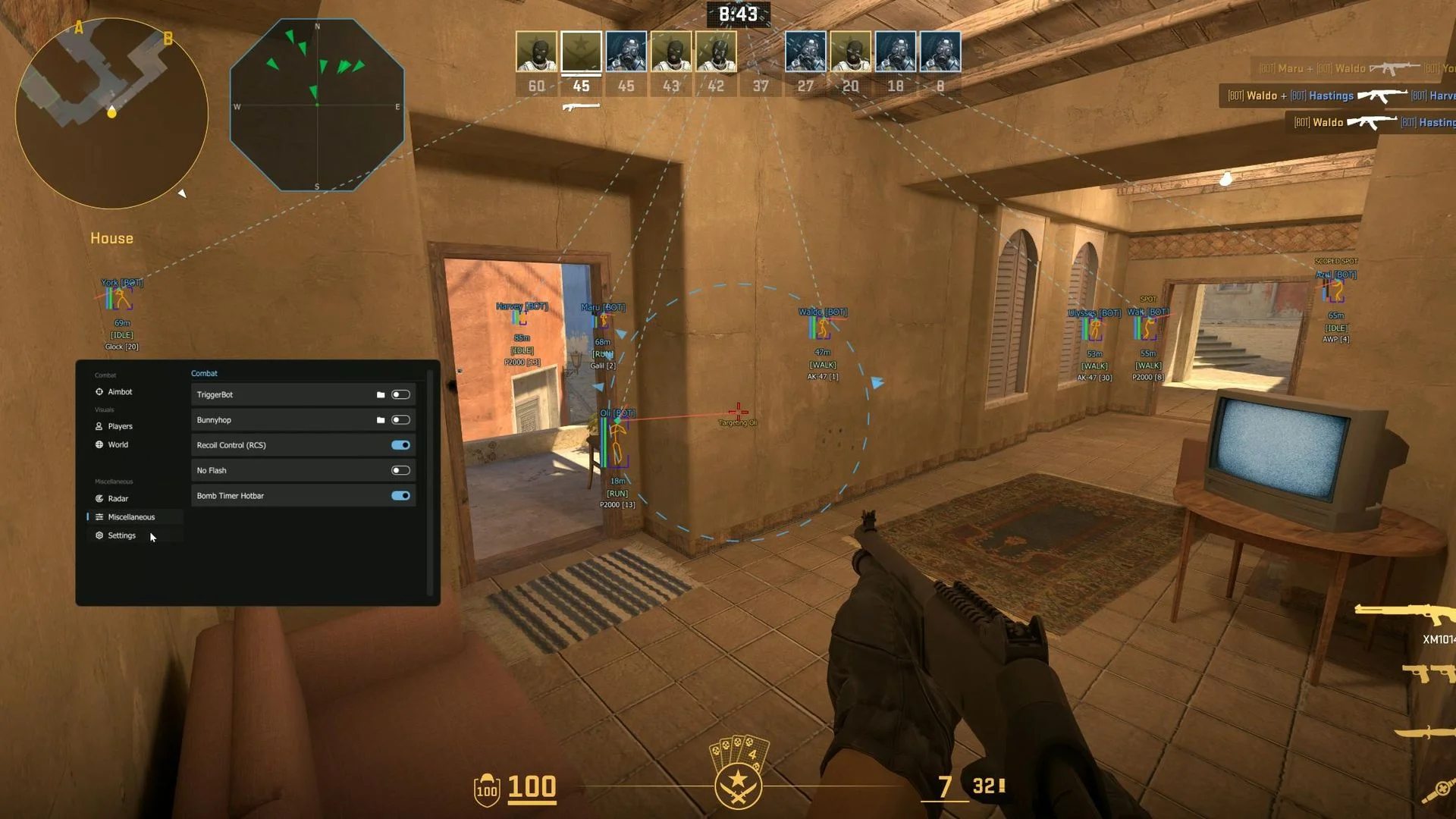
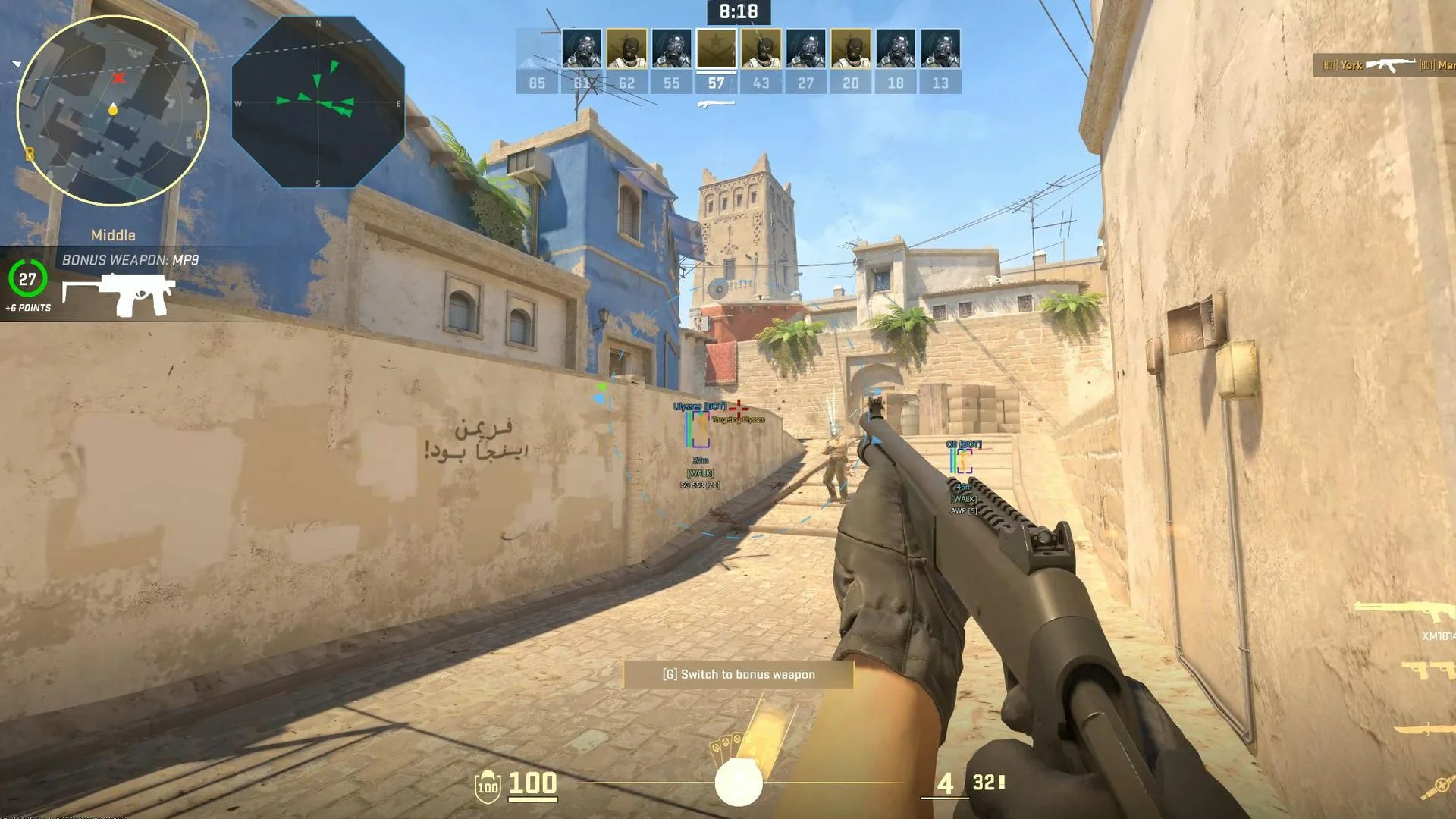
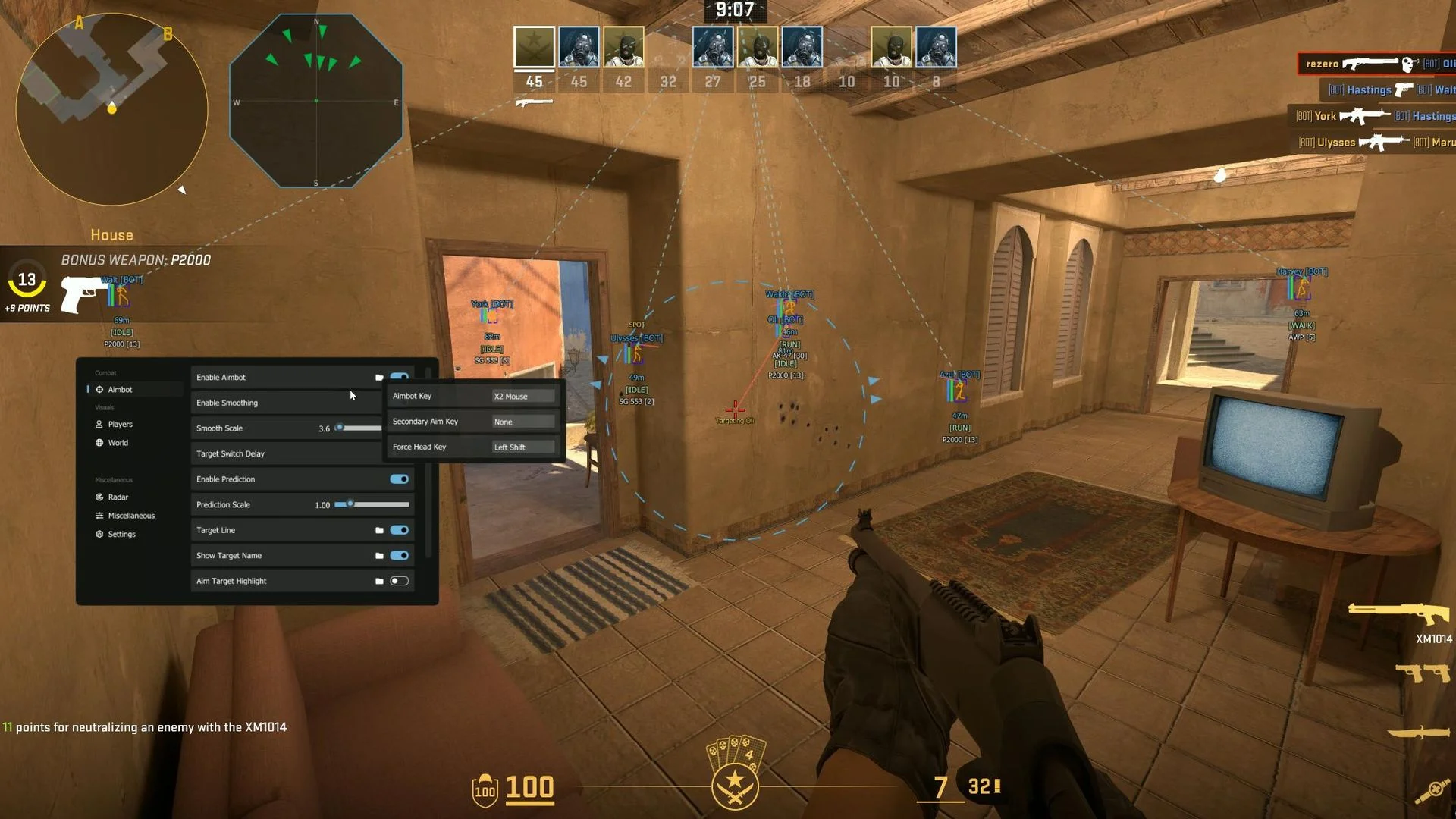
LEX is a Counter-Strike 2 cheat that combines aiming controls with detailed customization of on-screen game information. Its aimbot lets users configure aiming behavior and hitbox selection, while ESP offers separate display options for players and world items. A configurable radar complements the on-screen information, and settings can be saved and loaded as profiles.
Cheat status: Updated
AIMBOT
Enable aimbot and assign the primary aim key
Secondary aim key
Force-head aim key
Aimbot smoothing toggle and smooth scale
Adjustable target switch delay
Prediction toggle and prediction scale
Target line with thickness and color controls
Show target name with adjustable size and color
Aim target highlight: box outline, corner box, circle or skeleton tint
Target highlight thickness, pulse and color
AIMBOT FOV
Aimbot field of view (FOV) and circle radius
Show and fill the FOV circle
Pulsing FOV radius
FOV styles: solid, dashed, gradient, pulse glow and RGB rotating
FOV circle thickness, transparency and color
Inner and outer gradient colors
Pulsing toggle, pulse speed and pulse range
HITBOX SELECTION
Aim point selection: head, neck, pelvis or chest
Closest hitbox selection
PLAYER ESP SETTINGS
Team check and Deathmatch mode
Visibility checks for aimbot, offscreen arrows and radar
Separate snapline colors for visible and non-visible targets
Separate arrow colors for visible and non-visible targets
Separate radar colors for visible and non-visible targets
Maximum ESP distance
ESP scale
Movement ESP
Bot tag in player name: short [BOT] or custom text
OFFSCREEN ARROWS
Offscreen arrows for players, bots or both
Arrow size, thickness and color
FOV offset and distance-based offset scale
SKELETON AND HEAD ESP
Player skeleton with line thickness and color controls
Head indicator: circle, diamond or square
Head indicator size scale and color
BOX AND DISTANCE ESP
Player distance label above or below
Distance label color
ESP boxes: full or corner style
Box thickness and corner size
Box fill and fill opacity
Box color
LOOK DIRECTION
Player look direction line
Look direction color
PLAYER NAME AND WEAPON ESP
Player weapon label above or below
Weapon label color
Player name above or below
Name vertical padding and color
SNAPLINES
Player snaplines anchored to top, center or bottom of the screen
Solid or dashed snapline style
Snapline thickness and color
Arrow at the target end of the line
HEALTH AND EXTRA ESP
Health bar above, below, left or right
Health bar thickness
Health bar color: fixed or gradient
Low and high HP colors
Player armor bar
Player ESP flags
Player money ESP
Player weapon ammo display
WORLD ESP
Show world item distance text and set maximum display distance
World item text scale
World item color modes: static or fade by distance
Distance fade range
World FOV dot mode with radius and dot size controls
Show world FOV circle
World ESP toggle hotkey
Planted C4 display with color control
Dropped weapon display with color control
RADAR GENERAL
Enable radar and assign a radar hotkey
Radar size, zoom and maximum distance
Show world items on radar
RADAR POSITION AND SHAPE
Move radar by dragging or use fixed X/Y coordinates
Radar X and Y position settings
Radar shapes: square, circle, hexagon or octagon
RADAR APPEARANCE
Radar background color and opacity
Radar border color and thickness
Center dot color and size
Radar compass and crosshair
RADAR PLAYER MARKERS
Player and bot dots with separate colors
Radar dot size
Player and bot arrows with separate colors
Arrow size and opacity
TRIGGERBOT
Triggerbot with Normal and Seed modes
Hit chance (Hitchance) setting
Triggerbot delay
Maximum trigger distance
Triggerbot activation key
OTHER COMBAT FEATURES
Bunnyhop with dedicated hotkey
Recoil Control System (RCS)
No Flash effect
Bomb timer hotbar
INTERFACE AND CONTROLS
Controller support
Stream Proof mode
Menu hotkey
Panic key (hold for two seconds)
Unload cheat control
Automatic software updates
LANGUAGE AND CONFIGURATION
Interface languages: Russian, English, Chinese, Turkish, Portuguese, German, Japanese, Vietnamese, French, Hebrew and Thai
Save configuration
Load configuration
Buy similar cheats

NIXWARE
from 1.3$
MIDNIGHT
from 4.5$
VREDUX
from 4.5$
MIRA
from 0.7$
MACROS
from 1.3$
OCTARINE
from 0.8$
PREDATOR
from 1.9$
CHOD
from 6$
XONE
from 4.5$
METASKINS
from 1.9$
EVICTED FACEIT AI
from 45$
ARCANE
from 1.5$
SOFTHUB
from 0.9$
FECURITY
from 3.5$
NOVA AI
from 2.4$
SMG
from 1.3$
KERNEL / KERNAIM
from 12$
ENGINE OWNING
from 5.7$
BC
from 8.7$