
Cheat FOCUS for Dead by Daylight
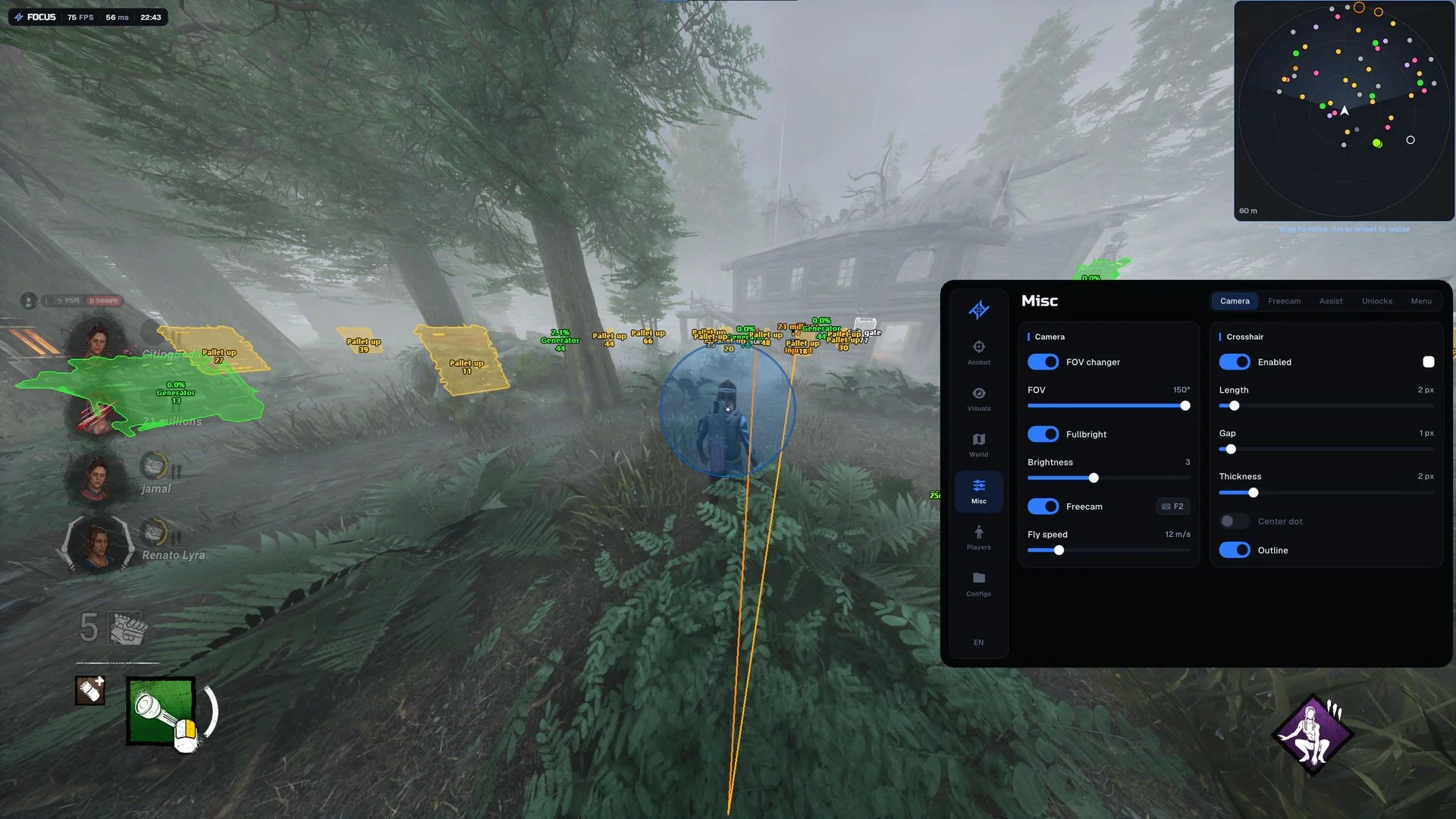
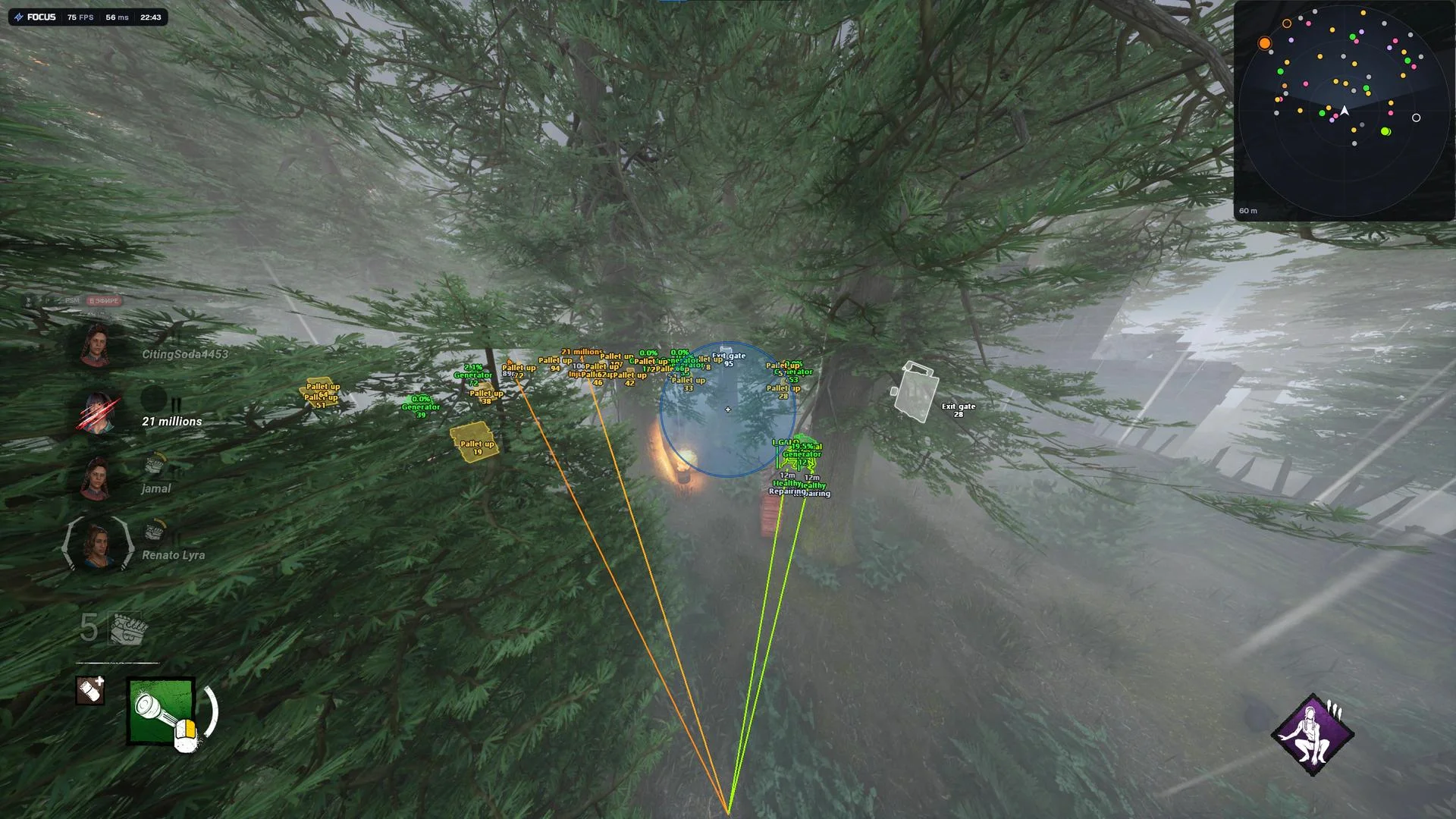
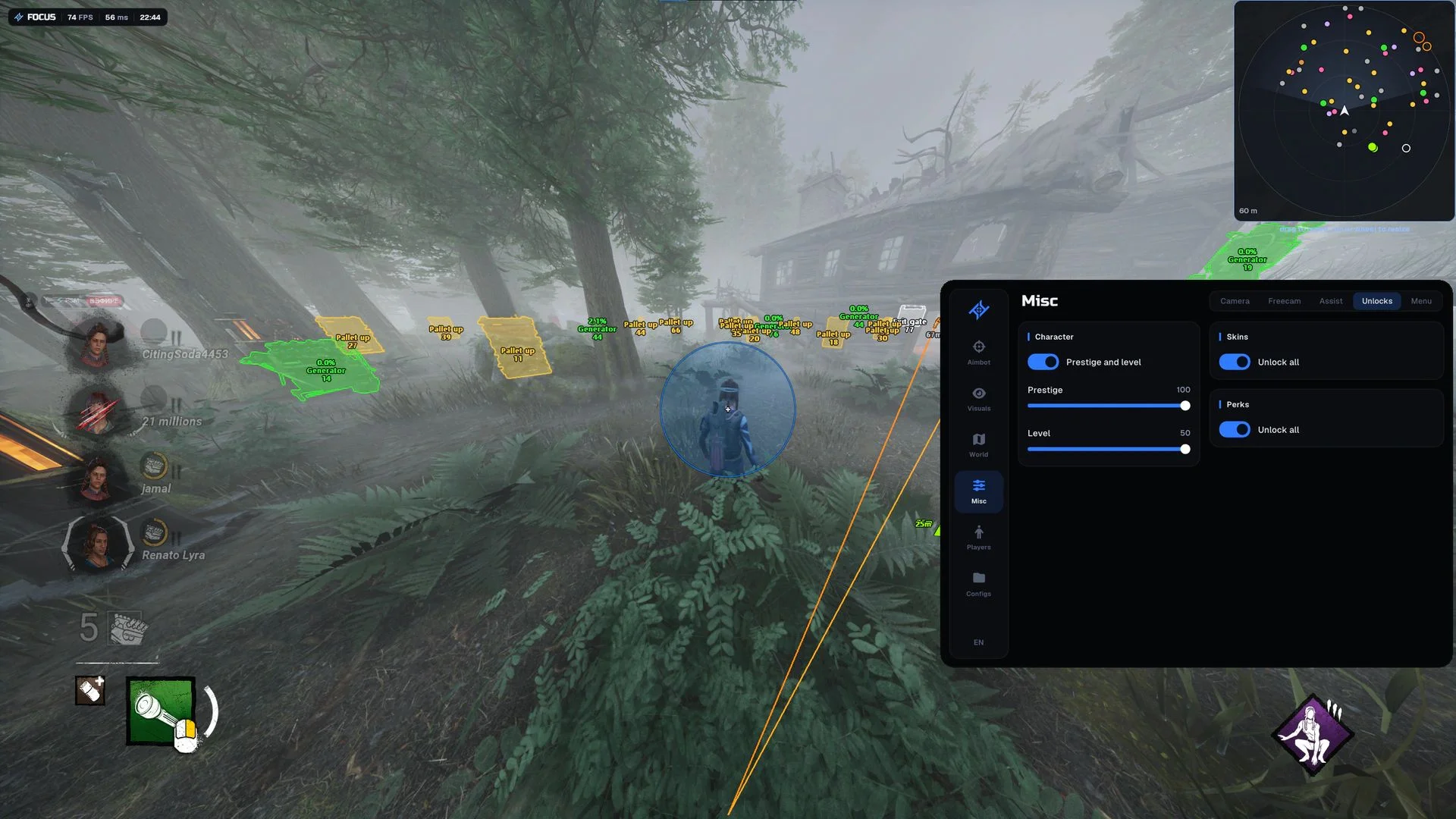
FOCUS for Dead by Daylight is a multi-purpose cheat focused on visual tracking of characters and map objects. Configurable ESP and radar work alongside aiming tools, while additional gameplay features and saved configurations round out the package. A 64-bit Windows system (x64) is required.
Cheat status: Updating
Aimbot
Aimbot activation — custom keybind, Right Mouse Button by default
Target selection — Killer for Survivors; Survivor nearest the crosshair for Killer
Aim point — Head or Body
Key mode — Hold, Toggle, or Always
Field of view (FOV) — 2–90°
Aim smoothing — 1–20
Maximum aim speed — 30–720°/s; 720 is unlimited
Draw FOV — custom color, fill, and fill opacity 5–60%
Target line — custom color
Survivor ESP
Survivor ESP — enable, disable, and custom color
Survivor boxes — Full or Corners, fill, opacity 5–80%, thickness 1–4 px
Glow highlighting — Outline or Fill
Skeleton — animation and joint dots
Head circle
Survivor name
Distance in meters
Health state — Healthy, Injured, or Downed; side health bar and label below name
State colors — Injured, Downed, Hooked, Carried, Dead; dead players remain visible in gray
Wiggle progress in percent
Current action — repairing, healing, unhooking, opening gates, searching chests, cleansing totems, vaulting, dropping pallets; perk names
Survivor snaplines
Off-screen arrows
Box and Glow animation — Pulse, Rainbow, or Wave
Live ESP preview on a 3D model
Killer ESP
Killer ESP — enable, disable, and custom color
Killer box — Full or Corners, fill, opacity 5–80%, thickness 1–4 px
Glow highlighting — Outline or Fill
Skeleton — animation and joint dots
Head circle
Killer name
Distance in meters
Killer current action
Killer snaplines
Off-screen arrows
Box and Glow animation — Pulse, Rainbow, or Wave
Live ESP preview on a 3D model
Radar
Enable and disable radar; drag and resize while the menu is open
Maximum radar distance — 16–160 m
Radar size — 120–520 px
Player filters — Survivors and Killer
Object filters — Generators, Pallets, Hooks, Totems, Exit gates, Hatch, Chests, Windows
General ESP Settings
Master ESP toggle
Maximum ESP distance — 10–300 m
Separate distance limits for Survivors, Killer, and Objects
World ESP
Generators — Not started, Repairing, or Completed
Generator progress — percentage; bar above or below the name; thickness 2–8 px
Pallets — Standing or Dropped
Windows
Hooks — Free or Occupied
Killer traps — Trapper and Hag; Armed or Unarmed
Totems — Dull, Hex, or Boon
Object distance in meters
Hatch
Exit gates
Chests — Closed or Open
Lockers
Breakable walls
Cenobite boxes
Ground items
Object silhouettes — Generators, Pallets, Hooks, Lockers, Traps, Exit gates, Chests
Silhouette fill
Camera and Visual Settings
FOV changer — 60–150°
Fullbright — brightness 1–6
Freecam — F2, WASD movement, flight speed 2–60 m/s
Crosshair customization — color, length, gap, thickness, center dot, and outline
Freecam Settings
Camera speed boost — 150–1000%
Precision camera movement — 5–90%
Vertical movement — X up, Z down
Movement keys — Shift for boost and Alt for precision
Gameplay Assist
Auto skill check — Great, Good, or Random
Character speed — 100–110% for Survivor and Killer
No attack cooldown — Killer only; hits, misses, and blocks
Wiggle impulse — Killer only, 0–100%; 0% disables wiggle sway
Unlocks
Prestige and level for all characters — Prestige 0–100, Level 1–50; local display only
Unlock all skins and cosmetics
Unlock all Tier 3 perks for online matches
Apply unlocks — return to the main menu, then re-enter
Menu
Menu key — Home
Accent color — 6 presets or custom color
Menu language — Russian or English
Menu scale — 60–120%
Reset menu settings
Watermark — screen corner, logo, game FPS, ping, 12- or 24-hour clock
Players
Player list in lobby and match
Player details — character, name, platform, and ping
Character progression — prestige and level
Loadout — perks, item or Killer power, add-ons, offering, and outfit
Match result
Configurations
Named configurations — create, save, load, and delete


