
Cheat FOCUS for Deadlock
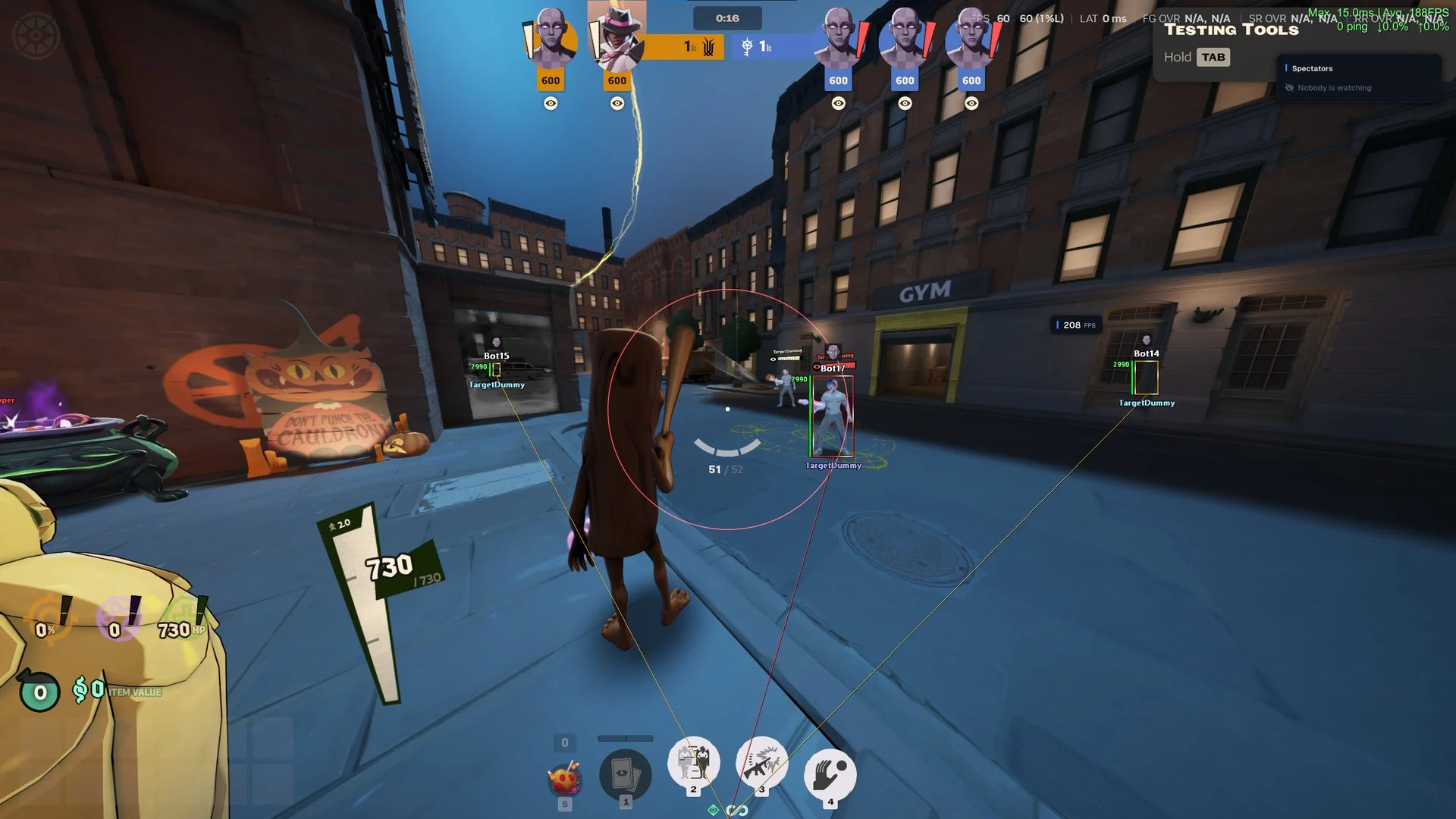
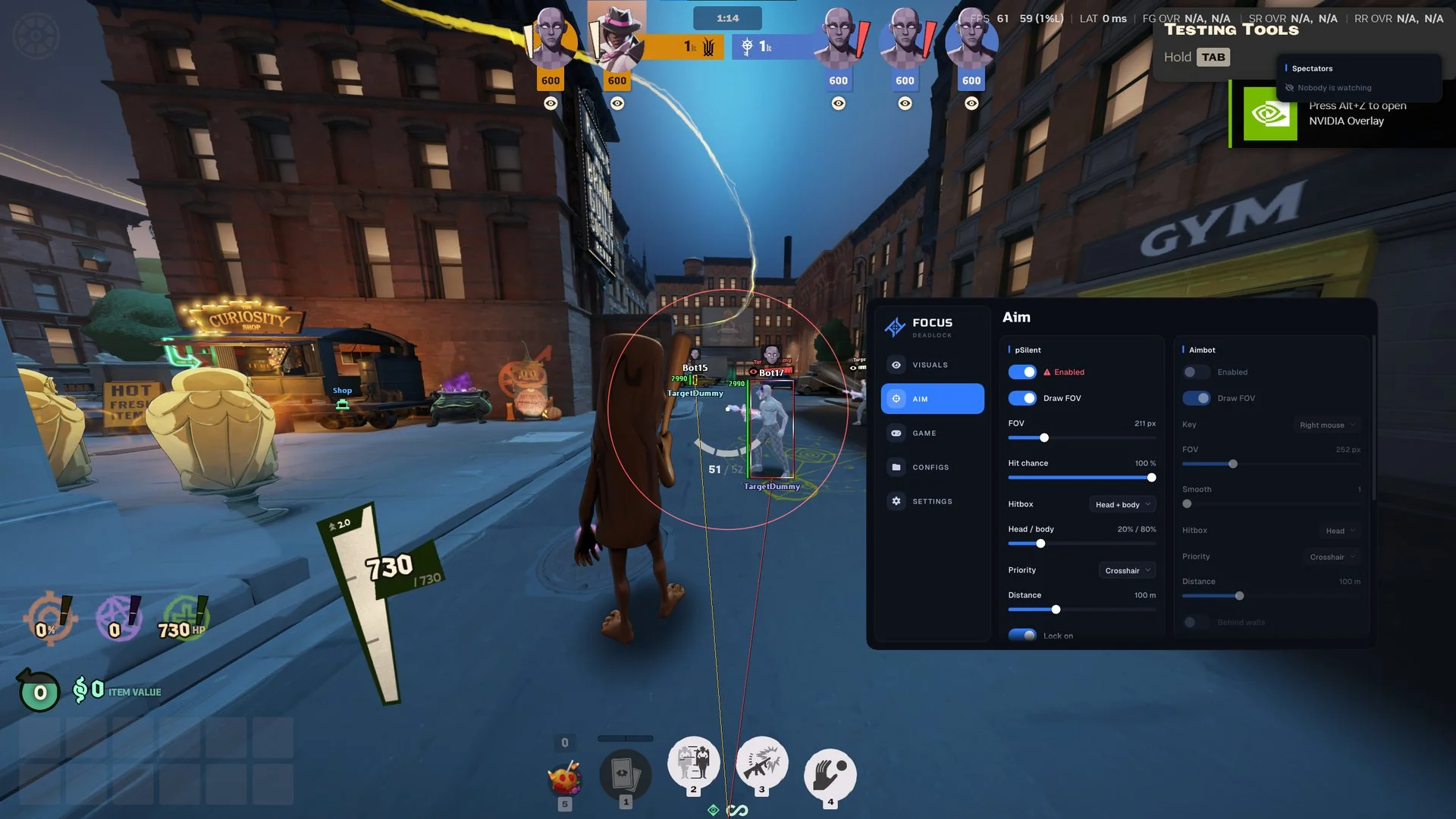
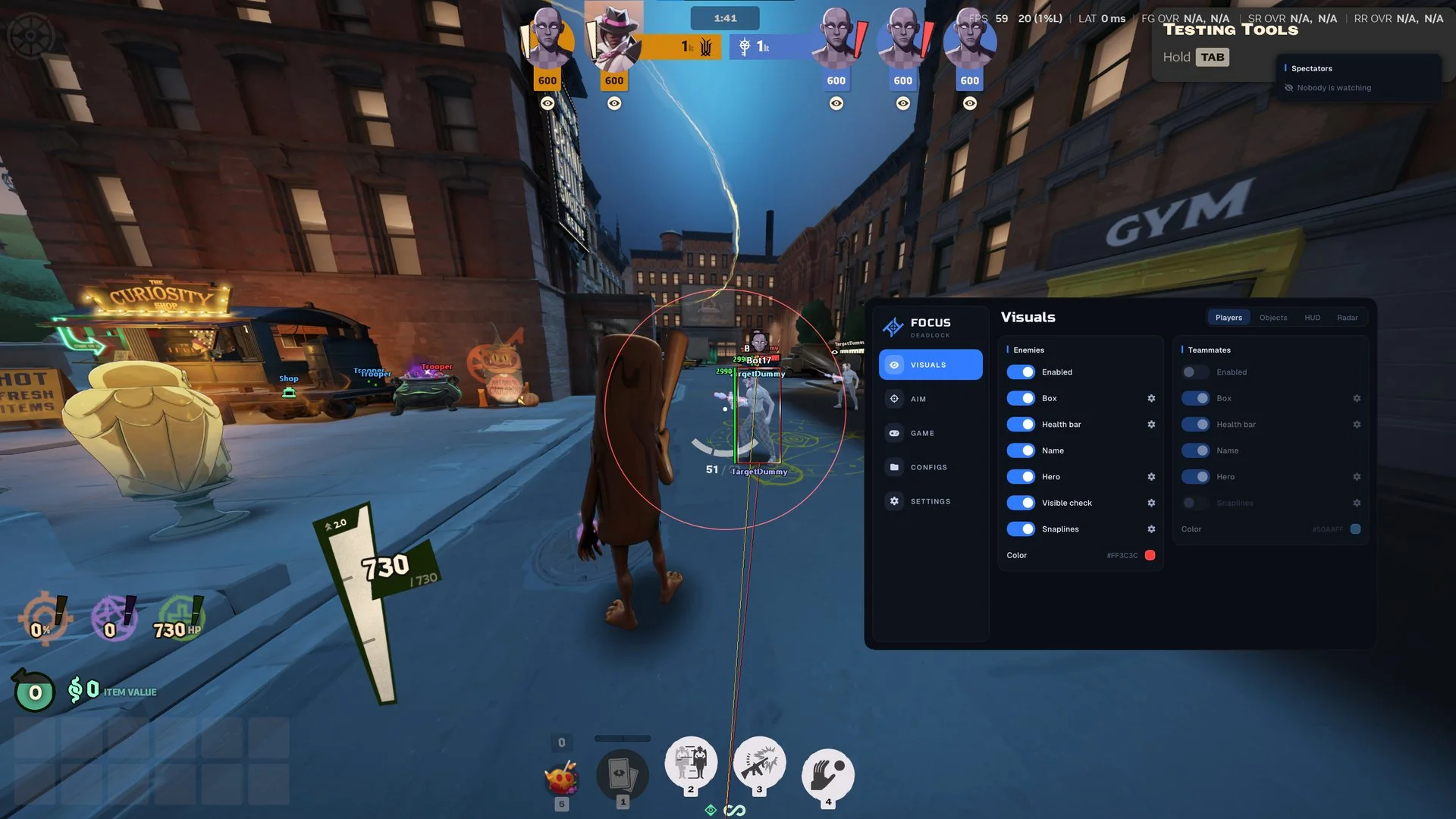
FOCUS is a Deadlock cheat combining Aimbot and pSilent with hero and object ESP. Its radar adds more situational awareness, while interface controls and configuration profiles make it possible to retain preferred settings for different gameplay situations.
Cheat status: Updated
AIMBOT
Enable Aimbot and bind left/right mouse button, Mouse 4, Mouse 5, left Alt, or Shift
Aim FOV circle: display toggle and radius from 10 to 900 px
Aim smoothing from 1 to 30
Hitbox selection: head or chest
Target priority: nearest to crosshair, nearest by distance, or lowest health
Maximum Aimbot distance from 10 to 300 m
Separate option to target enemies behind obstacles
PSILENT
Independent pSilent toggle
pSilent FOV circle display and radius from 10 to 900 px
pSilent hit chance from 0 to 100%
pSilent hitbox: head, chest, automatic selection, or adjustable head/body ratio
pSilent priority: closest to crosshair, nearest, farthest, lowest health, or highest health
Distance from 10 to 300 m and selected-target lock
Soul targeting and priority between heroes and souls
Separate option to select targets behind obstacles
Target movement prediction
Separate ability targeting toggle
ENEMY ESP
Independent enemy ESP toggle
Full or corner boxes, width from 50 to 400%
Box animation: pulse, rainbow, snake, neon, flow, or off
Health bar and numeric health value
Player name; hero shown as a name, image, or both
Visibility check with a separate color for enemies behind walls
Tracer lines from the bottom, middle, or top of the screen
Custom enemy ESP color
ALLY ESP
Independent ally ESP toggle
Full or corner boxes, width from 50 to 400%, and independent animation
Health bar and numeric health value
Player name and hero name, image, or both
Tracer lines from the bottom, middle, or top of the screen
Separate ally ESP color
OBJECT ESP
Marker style: dot, name, dot with name, image, or image with name
Marker range from 20 to 400 m and neutral-object color
Lane creep markers
Neutral camp markers
Separate boss and structure markers
Sinner’s Sacrifice vending machine markers
Shop markers
Crate and refrigerator markers
Statue markers
Hero turret markers
HUD INDICATORS
Spectator display
Hit counter widget
Hitmarker with separate hit and kill colors
Seven hit sounds, volume from 0 to 100%, and separate kill sound
Camera field of view from 60 to 150
FPS counter: corner placement or free positioning, size from 50 to 200%
RADAR
Game-map display with an independent map-background toggle
Circle or square shape and camera-relative rotation
Size from 160 to 560 px and range from 15 to 250 m
Opacity from 30 to 100%
Display of allies, names, bosses, and structures
Move radar with menu open; resize by dragging edge or using mouse wheel
MELEE AND MOVEMENT
Automatic parry with range from 2 to 12 m
Automatic jump after dash (Auto dash jump)
Auto wall jump with a dedicated key; Mouse 4 by default
Automatic Bunny hop with configurable key; Space by default
GAME GRAPHICS
Toggleable Potato graphics mode
Solid-color textures and grayscale color grading
Render scale from 25 to 100%
Independent toggles for upscaler, shadows, Ambient Occlusion, fog, Bloom, depth of field, anti-aliasing, grass, and small details
Game restart button to apply texture replacement
HERO MODELS
Replace the default model with Tung Tung Tung Sahur
Separate model selection for own hero, enemies, and allies
Game restart button to apply a model pack
MENU SETTINGS
Remap the menu toggle key; Home by default
Menu scale from 60 to 120%
Six accent-color presets or a custom color
Reset menu appearance settings
CONFIGURATIONS
Create, save, load, and delete configurations
Quick loading from a list with a double-click
Automatic saving and restoration on the next launch


