
Delta Force: Hawk Ops - ANCIENT WEB RADAR
📰News: - Fixed launching issues on Intel processors on Windows...
Read more...
Cheat ANCIENT WEB RADAR for Delta Force: Hawk Ops
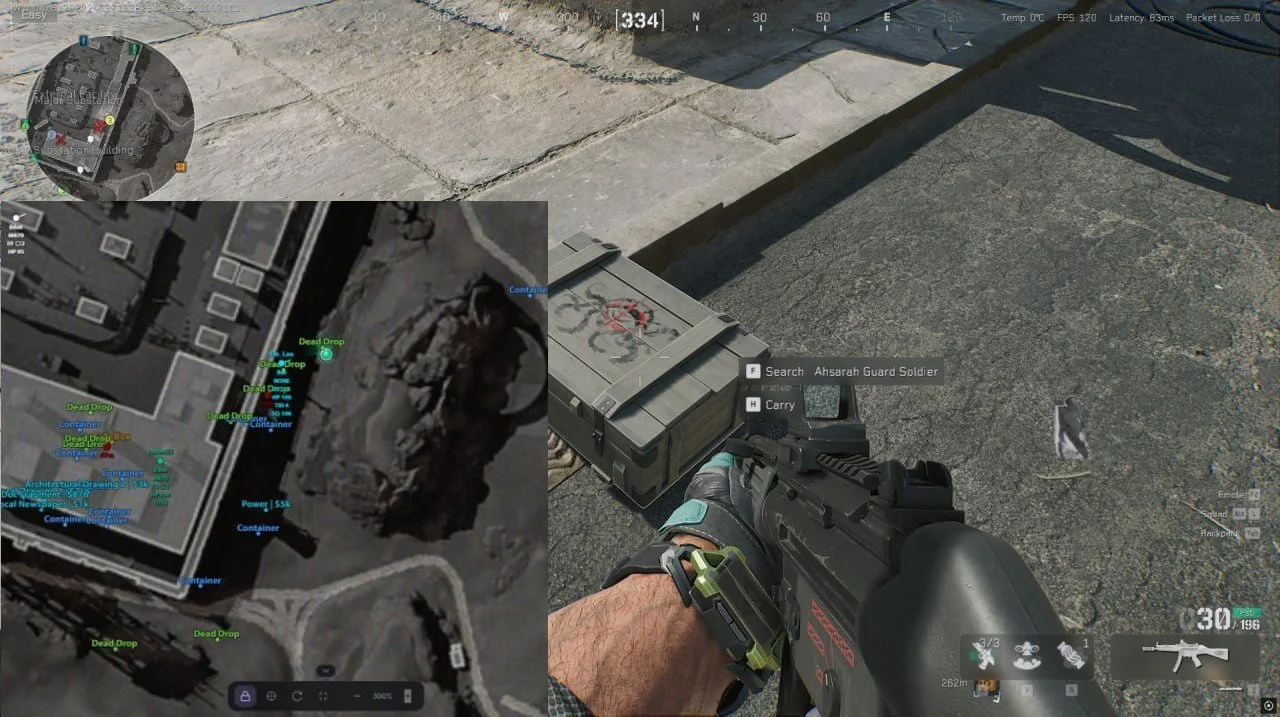
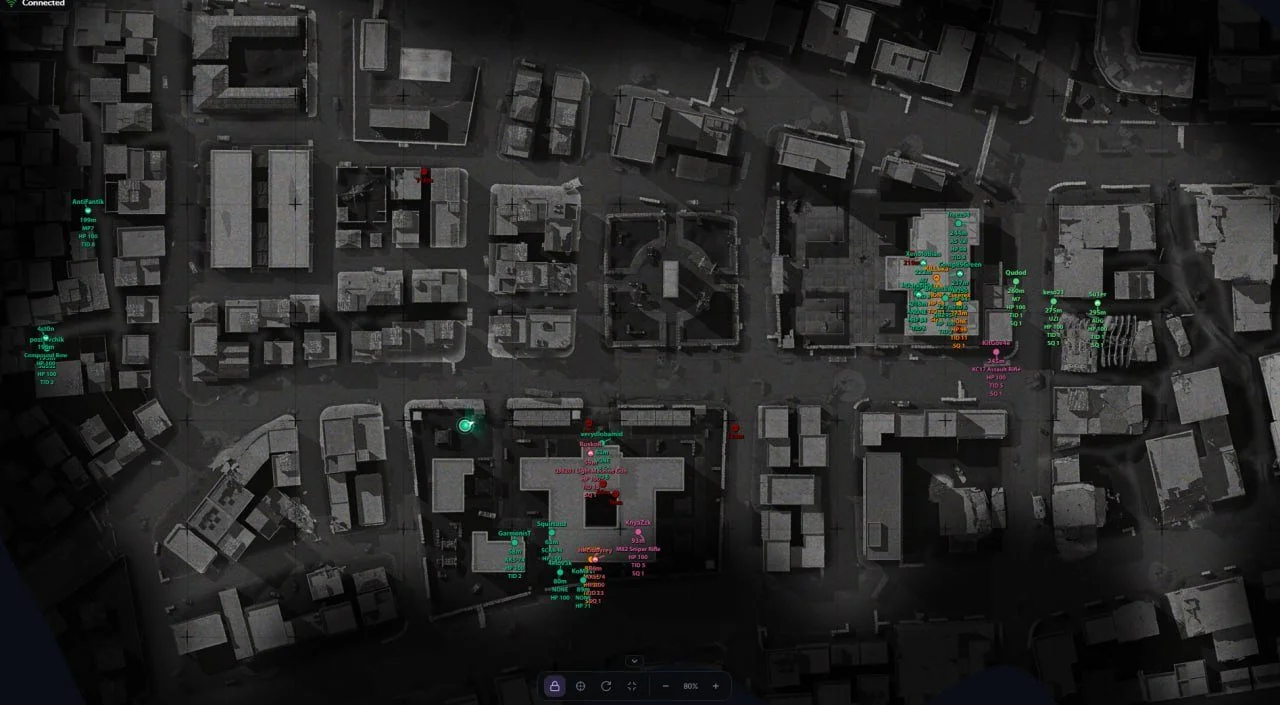
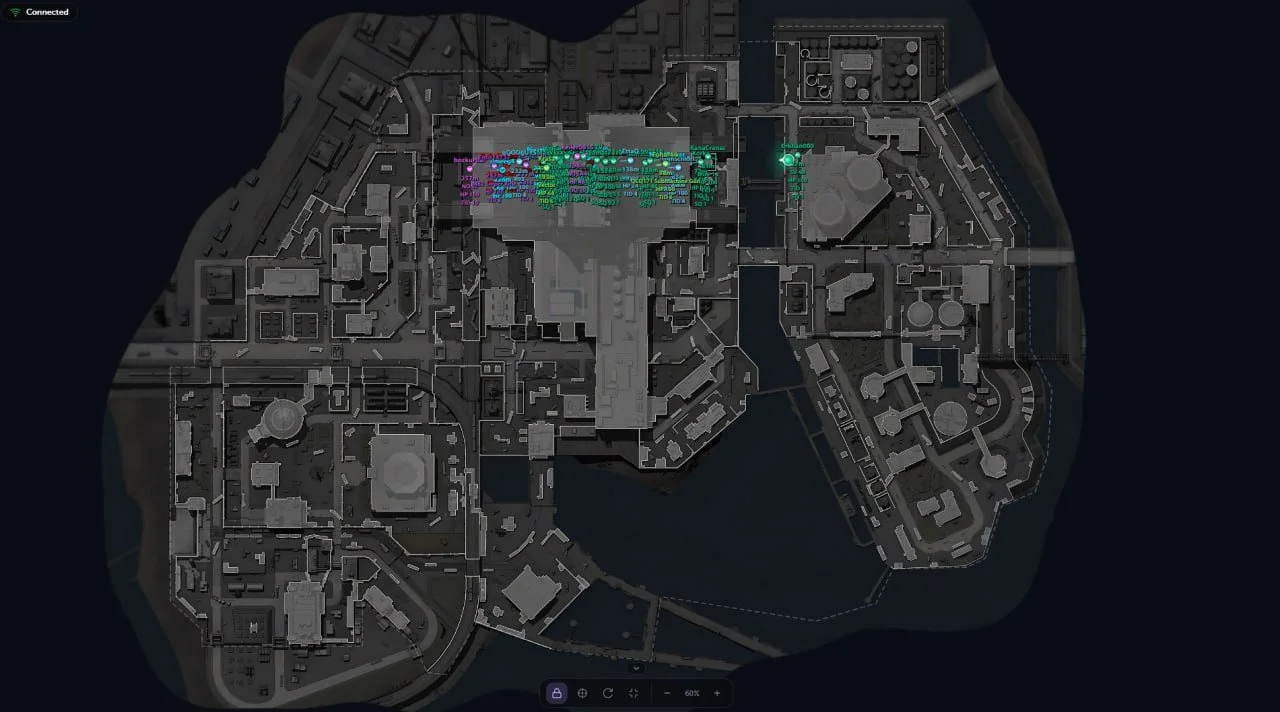
ANCIENT WEB RADAR is a browser-based radar for Delta Force with a separate live match map. It combines player and AI tracking with loot information on Operations maps, including multi-floor locations. The radar can be opened on another device and shared with teammates by link. It requires at least 16 GB of RAM and SVM (AMD) or VT-x (Intel) virtualization enabled; Hyper-V and Secure Boot must be disabled.
Cheat status: Updated
WEB RADAR
Live Delta Force browser map showing player, AI and loot positions
Radar viewing on a PC, phone or tablet while the game is running
Shareable radar session link for teammates
PLAYERS AND AI
Real-time enemy and teammate markers
Markers for regular AI opponents and bosses
Distinct markers for alive, knocked and dead targets
Player nicknames
Players’ currently equipped weapons
Current and maximum ammunition counts
Target health and knocked health
Helmet and body armor levels
Player kill counts
Team and squad identifiers
Distance to targets
Player viewing directions
Indicator for targets above or below the player’s floor
Separate marker colors for visible targets
Automatic color grouping of enemies on the same team
Accurate player positions inside vehicles
LOOT CATEGORIES
Item and container markers on Operations mode maps
Weapons
Attachments
Ammunition
Resources
Consumables
Keycards
MandelBricks
Backpacks
Helmets
Body armor
Chests
Dead bodies
Computers
Containers
Safes
Unknown items with diagnostic markers
LOOT FILTERS
Independent toggles for each item category
Item name labels
Item and container value display
Rarity filtering from level 1 to level 6
Minimum price filter
Global maximum loot display distance
Per-category distance limits
Custom colors for each category
Custom text size for each category
Separate item and container settings
Floor-based loot display filtering
MAPS AND FLOORS
Support for 22 Delta Force maps
Automatic current-map detection
Manual map selection
Multiple floors and map layers
Separate floor filters for players and loot
Mapping in-game coordinates to map positions
Built-in tool to calibrate new maps
Automatic hiding of calibration elements on calibrated maps
Relative coordinate mode for maps not yet calibrated
Automatic loot disabling on maps without loot
MAP CONTROLS
Automatic following of the local player
Free map panning with mouse or touch input
Quick return to the local player
Optional map rotation based on player view direction
Zoom controls using buttons
Zoom with the mouse wheel or touch gestures
Full-screen view
Collapsible bottom control panel
Adjustable marker and text sizes
Player view direction and field-of-view display
INTERFACE
Player, AI and loot counters
Client connection status
Notification when the client is outside a match
Custom colors by target type
Separate rarity colors for items and containers
Radar settings saved in the browser
Russian, English and Chinese interface languages
Interface for desktop and mobile devices
Cheat Update history
- Fixed launching issues on Intel processors on Windows 10. Added 1 day to all subscriptions.
2026-11-17 18:49:50
Updated, available for purchase and play!
2026-11-17 09:00:28
Updated, available for purchase and play!
2026-11-11 21:30:30


