
Cheat FOCUS for DIABLO IV

FOCUS is a multi-purpose Diablo IV cheat focused on world awareness and PvE task automation. ESP, a full map, a minimap and radar help track the surroundings, while navigation and automated dungeon farming complement the skill-rotation tools.
Cheat status: Frozen
Cheat is frozen. Purchase is not possible.
Try other cheats
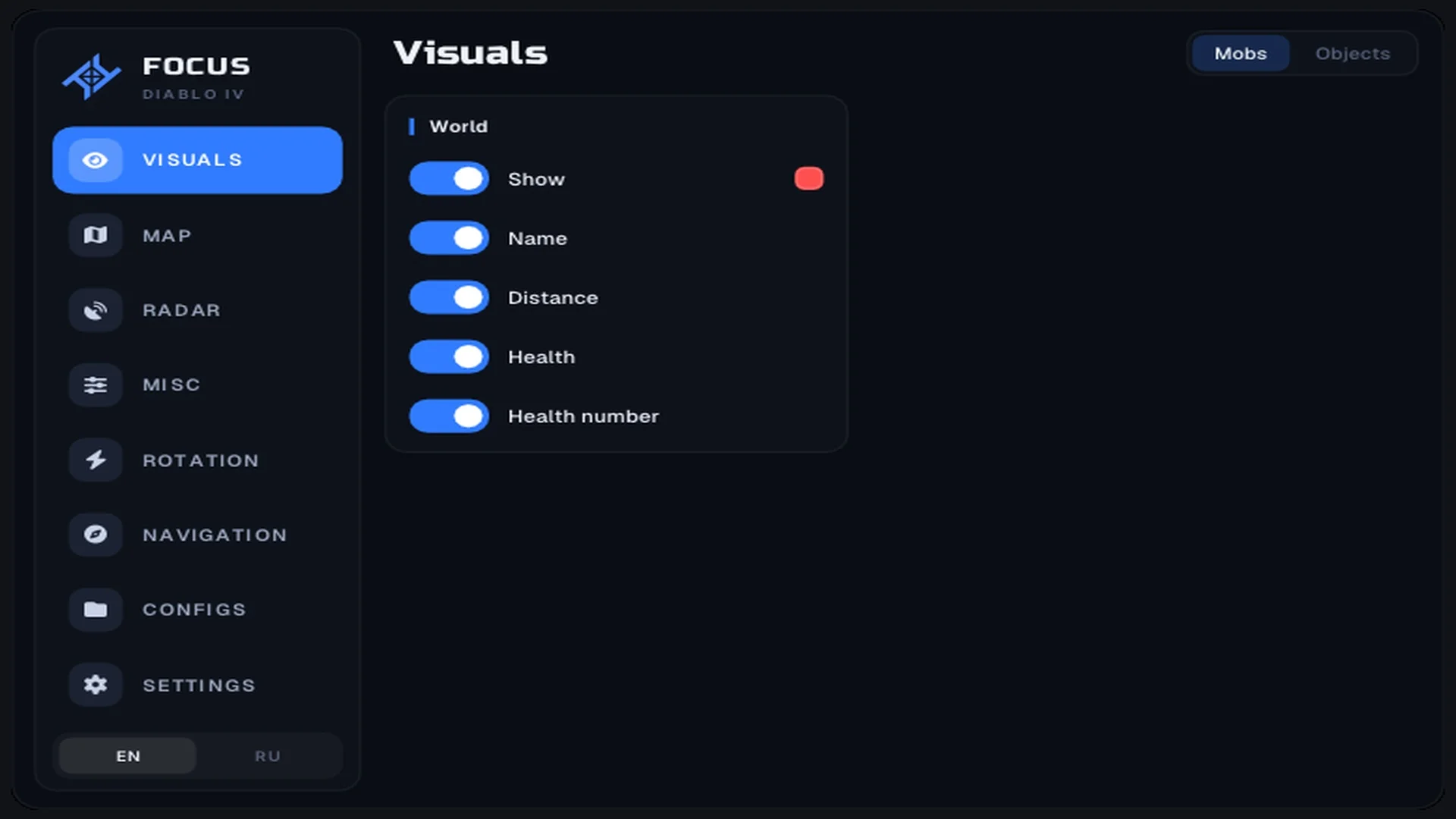
MONSTER ESP
Enable monster ESP Customize monster ESP color Show monster names Show distance to monsters Show monster health bars Show monster health values
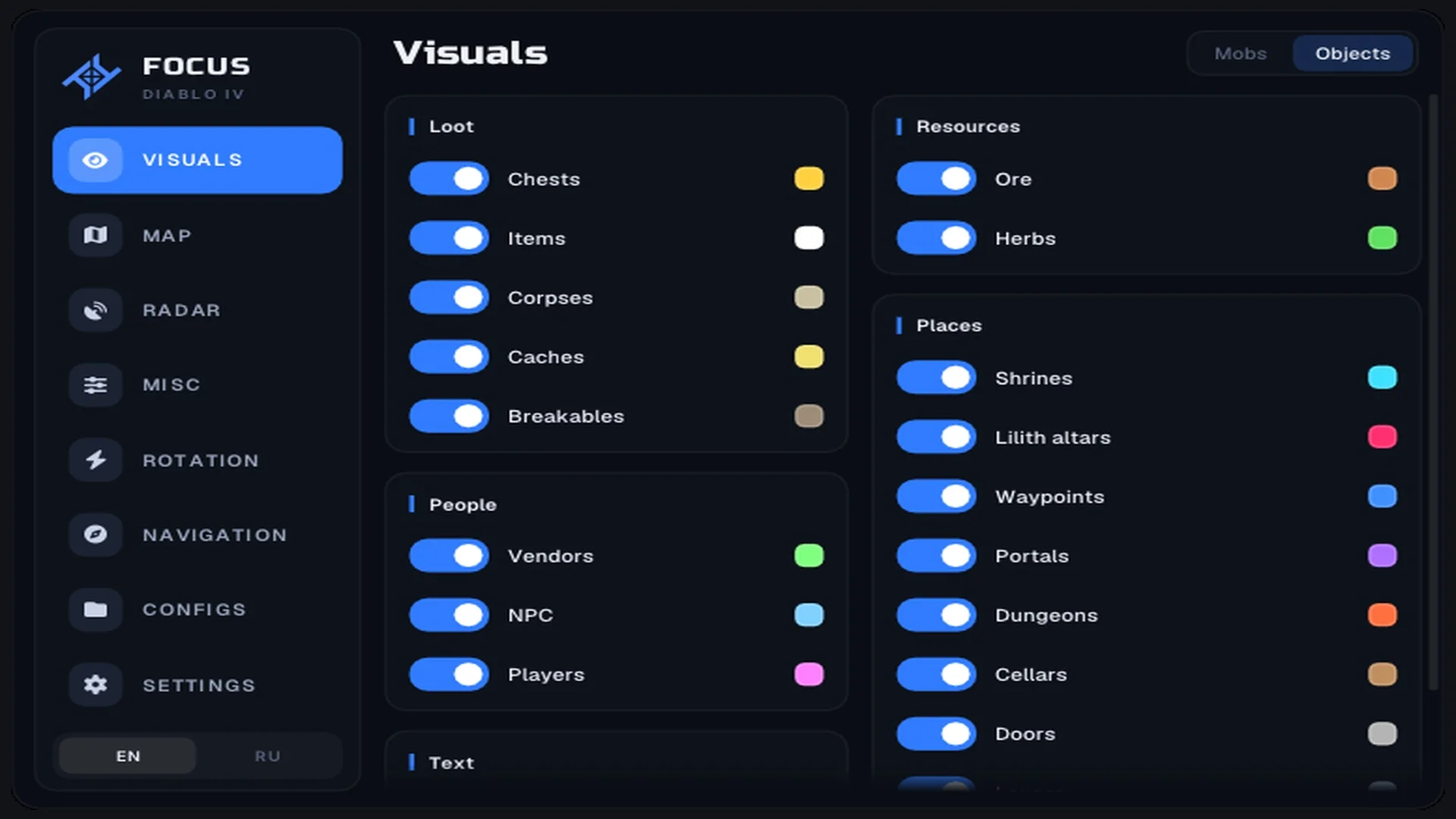
OBJECT ESP
Show chests Show items Show corpses Show caches Show breakable objects Show ore deposits Show herbs Show vendors Show NPCs Show players Show shrines Show Altars of Lilith Show waypoints Show portals Show dungeons Show cellars Show doors Toggle object categories individually Set separate colors for object categories
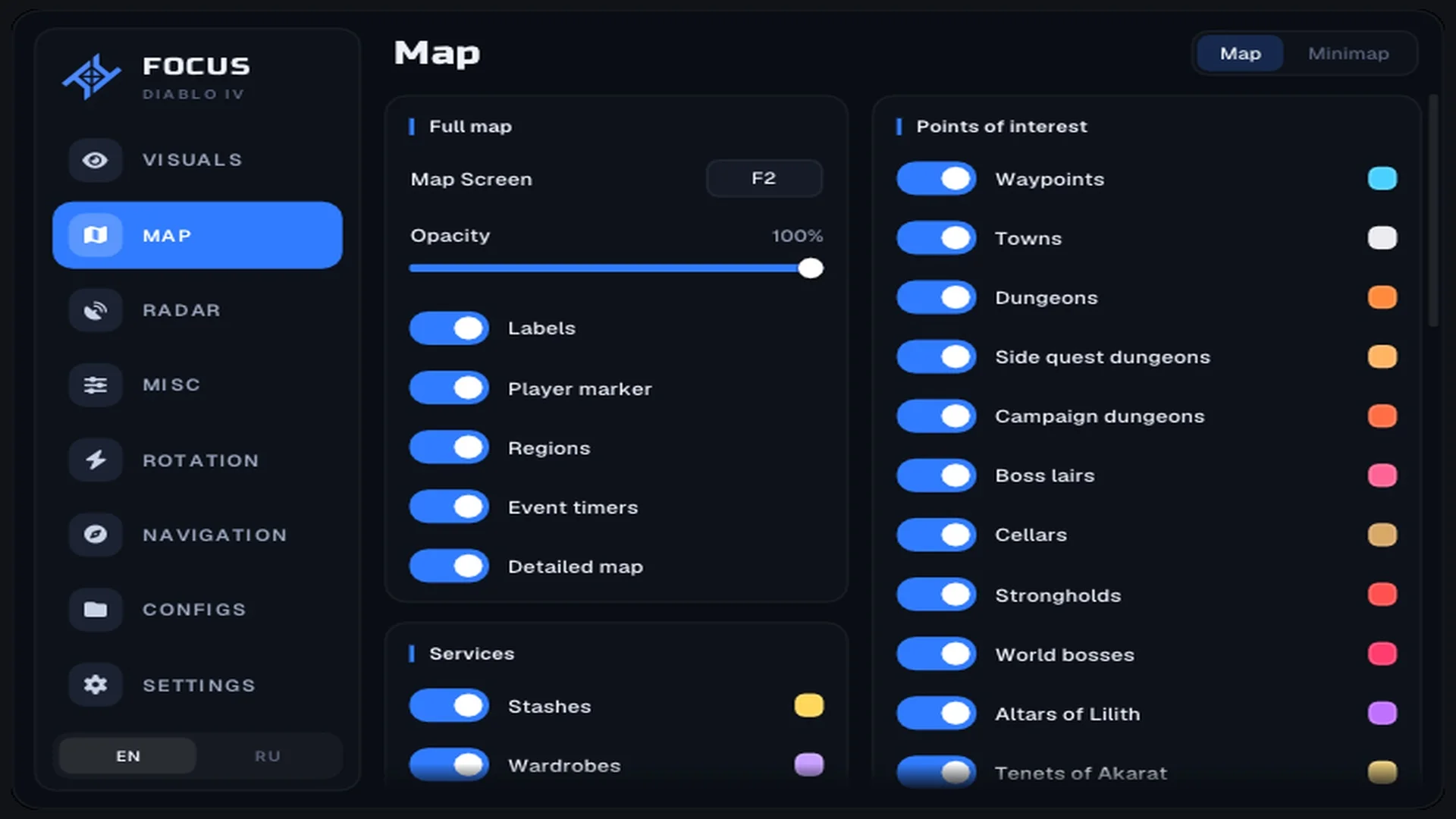
FULL MAP
Configurable hotkey to open the full map Adjust full-map opacity Show map labels Show player marker Show regions Show event timers Enable detailed map Show regular dungeons Show campaign dungeons Show side-quest dungeons Show boss lairs Show cellars Show waypoints Show towns Show strongholds Show world bosses Show Altars of Lilith Show Tenets of Akarat Show stashes Show wardrobes
MINIMAP
Toggle the minimap with a configurable hotkey Choose minimap shape Rotate minimap with the camera Adjust minimap size Set minimap display range Adjust minimap opacity Adjust minimap text size Show points of interest Show player marker Show monsters Show chests Show items Show corpses Show caches Show breakable objects Show ore Show herbs Show shrines Show Altars of Lilith Show waypoints
RADAR
Enable or disable radar Show monsters on radar Show players on radar Show NPCs on radar Show items on radar Set distinct radar-object colors Show names Show distance Adjust radar range Adjust radar size Adjust radar opacity Adjust radar text size
CAMERA AND UTILITIES
Toggle camera zoom-out with a hotkey Adjust camera zoom distance Rotate camera using a configurable key Adjust camera rotation speed Remove fog Adjust brightness Automatically use a healing potion Set health threshold for potion use Configure potion hotkey Sort junk items Filter Common-quality items Filter Magic-quality items Filter Rare-quality items Filter Legendary-quality items
SKILL ROTATION
Enable skill rotation with a hotkey Configure rotation-key behavior Set delay between skill presses Hold position Configure hold-position key Configure skill-slot 1 key Configure skill-slot 2 key Configure skill-slot 3 key Configure skill-slot 4 key Configure basic-skill key Set enemy-distance condition Set minimum resource for resource-spending skills Set health threshold for defensive skills
NAVIGATION
Enable navigation with a configurable hotkey Select movement target Set a target point by double-clicking the full map Adjust path-point spacing Adjust wall clearance Avoid monsters when pathfinding Show navigation path Choose path color Display path on game screen Configure movement key Configure door-interaction key Configure mount-summoning key Configure mount-sprint key
DUNGEON AUTO-FARM
Toggle automatic dungeon clearing with a hotkey Automatically complete dungeon objectives Set combat-engagement distance Stop when health drops below a threshold Automatically use healing potions Configure potion health threshold Automatically evade Automatically revive Exit after a configured number of deaths Fully automate farming The Pit Select The Pit tier Set The Pit tier range Adapt The Pit tier based on deaths Automatically sell junk Automatically learn tempering manuals Automatically repair gear Automatically pick up gear Set gear-pickup quality filter Automatically collect materials Automatically collect gems Automatically collect gold Automatically open chests Interact with ore deposits Interact with herbs Interact with corpses Select dungeons with Ctrl + click on the full map Clear selected-dungeon list Configure dungeon switching Run skill rotation based on enemy distance Configure auto-farm path Interact with doors along the route