
Cheat FOCUS for Roblox
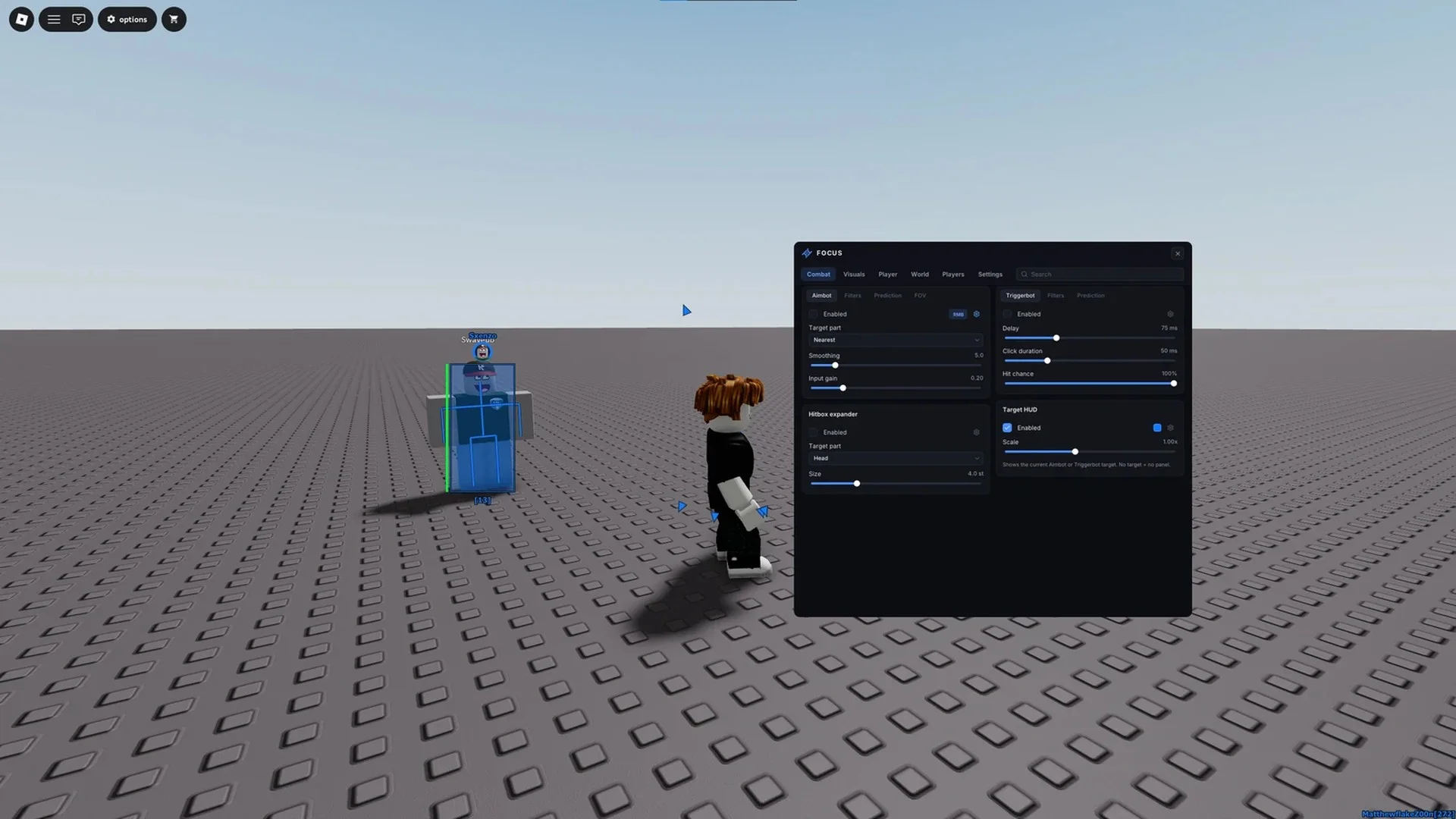
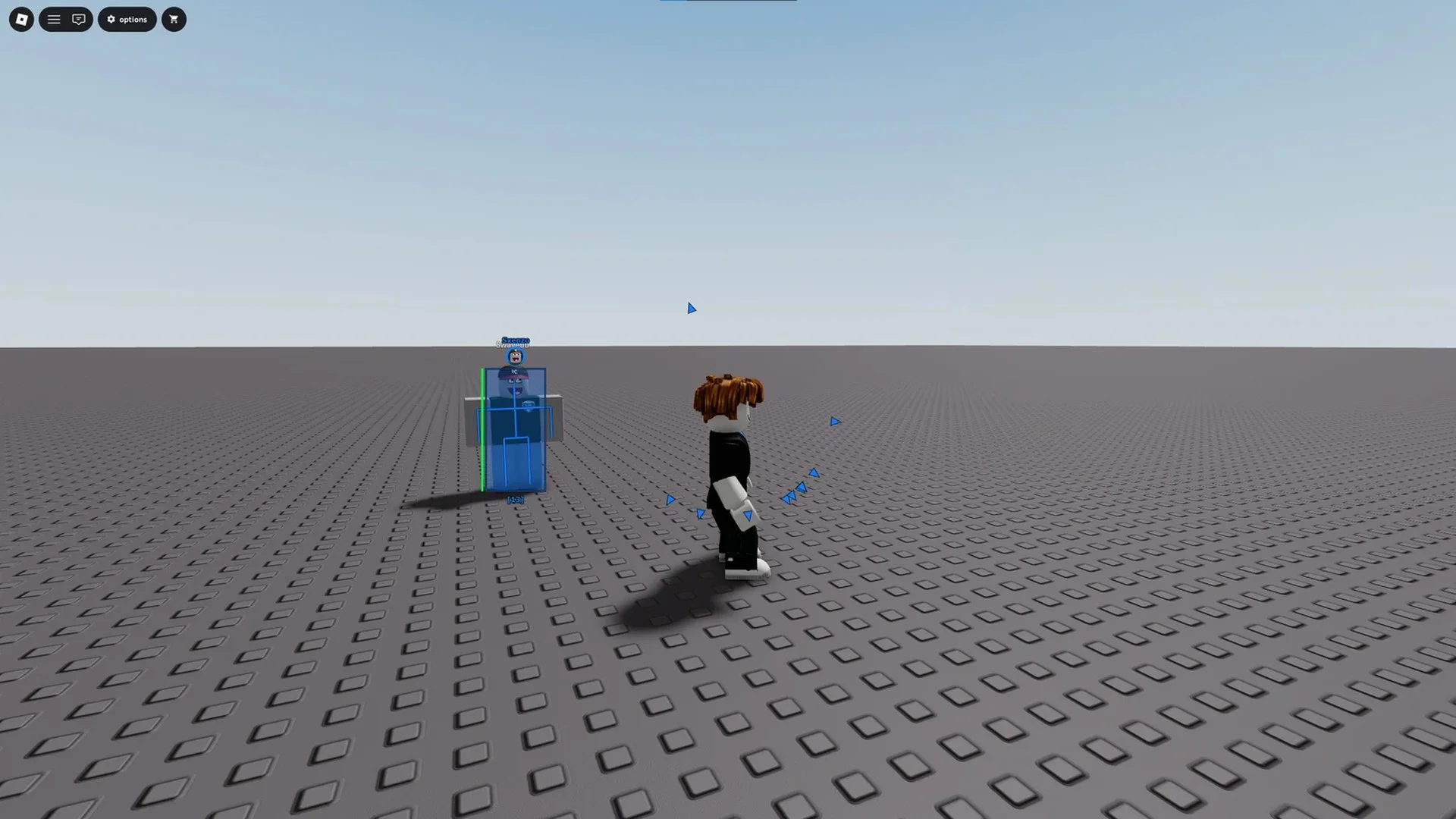
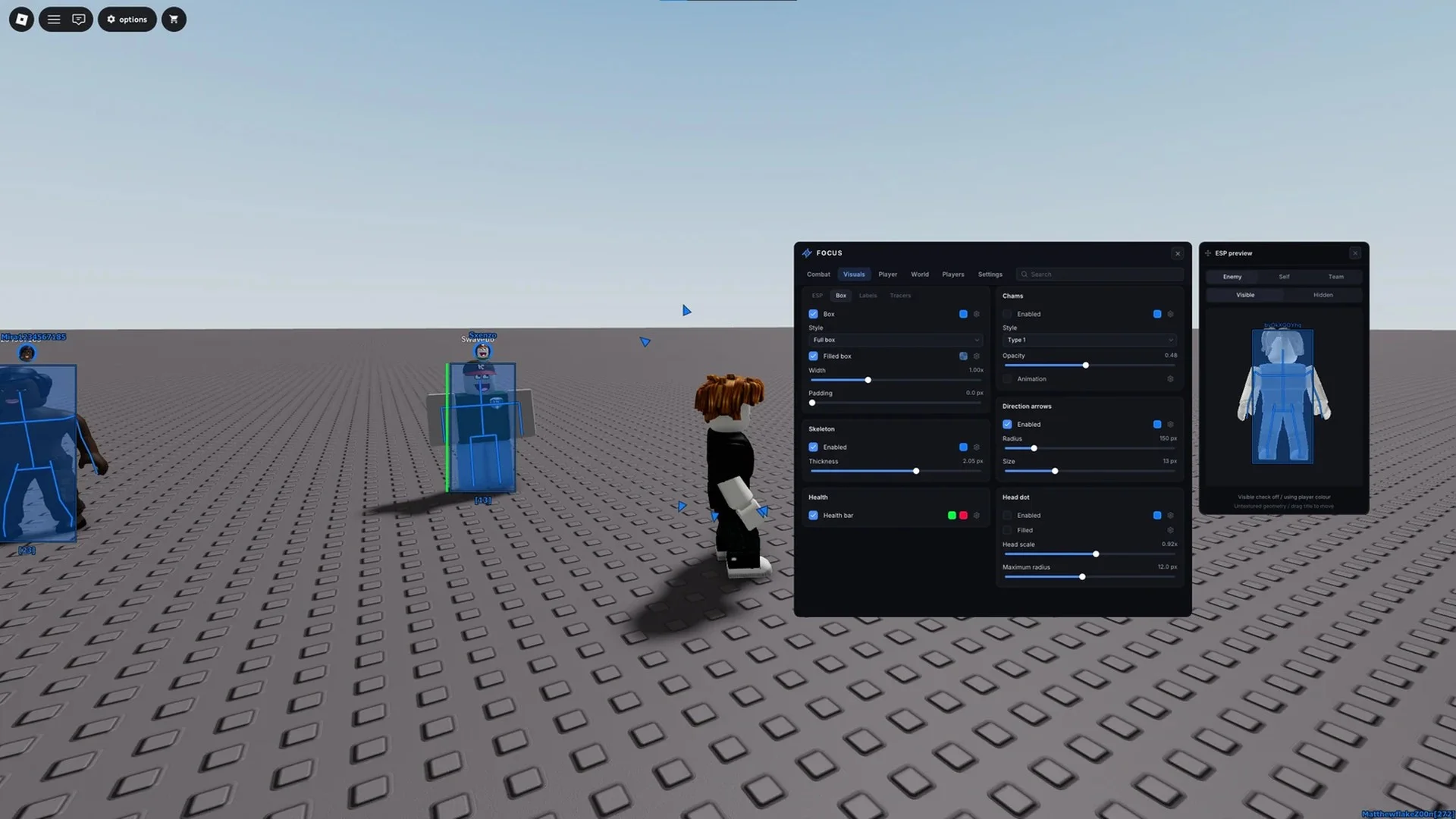
FOCUS for Roblox is a multi-feature cheat combining aiming assistance with visual character tracking. Aimbot, triggerbot, and ESP are complemented by movement and in-game world controls, while profiles let you save preferred settings. A 64-bit system (x64) is required.
Cheat status: Updated
AIMBOT AND TRIGGERBOT
Aimbot for automated aim correction
Select the body part for aimbot targeting
Adjust aim smoothing
Adjust aim correction strength
Dedicated aimbot filter settings
Dedicated aim prediction settings
Dedicated aimbot field-of-view (FOV) settings
Triggerbot
Adjust triggerbot activation delay
Adjust triggerbot click duration
Adjust triggerbot activation probability
Select the body part for hitbox size adjustment
Adjust hitbox size
Dedicated target information panel
Adjust the target information panel scale
ESP AND VISUALS
Character ESP boxes with selectable styles
Adjust ESP box fill
Adjust ESP box thickness
Adjust ESP box padding
Display character skeleton
Display character health bar
Chams highlighting with selectable types
Adjust Chams opacity
Adjust Chams animation
Directional arrows pointing toward characters
Adjust the radius of directional indicators around the character
Adjust directional arrow size
Character head marker
Adjust head marker size and radius
Adjust head marker fill
ESP preview for your own character, teammates, and opponents
MOVEMENT AND CHARACTER
Character movement speed settings
Separate flight mode toggle and speed adjustment
Infinite jump
Enhanced jump
Adjust jump speed
Spider mode with climb speed adjustment
Separate Noclip toggle
Separate Anti-AFK toggle
Desync with an assignable activation hotkey
Display the starting position when using Desync
WORLD, CAMERA AND WAYPOINTS
Free camera
Adjust free camera speed
Teleport to the free camera position
Create a waypoint at the character’s current position
Create a waypoint at the camera position
Travel to a saved waypoint
Rename saved waypoints
Delete saved waypoints
Adjust local time of day
Adjust world brightness
PLAYER LIST
View the server player list
Search players by name
Teleport to a selected player
Spectate a selected player
Stop spectating
SETTINGS AND PROFILES
Save configuration profiles
Load saved profiles
Delete configuration profiles
Automatically load the last-used profile
Remap the menu hotkey
Adjust interface scale
Configure interface animations
Customize interface colors
Set the overlay frame rate limit
Configure the hotkey panel
Dedicated Roblox FPS settings tab
Unload FOCUS through the menu
