
ROB RUN - LOVEC
📰News: The update has been loaded, and the issue where ESP...
Read more...
Cheat LOVEC for ROB RUN
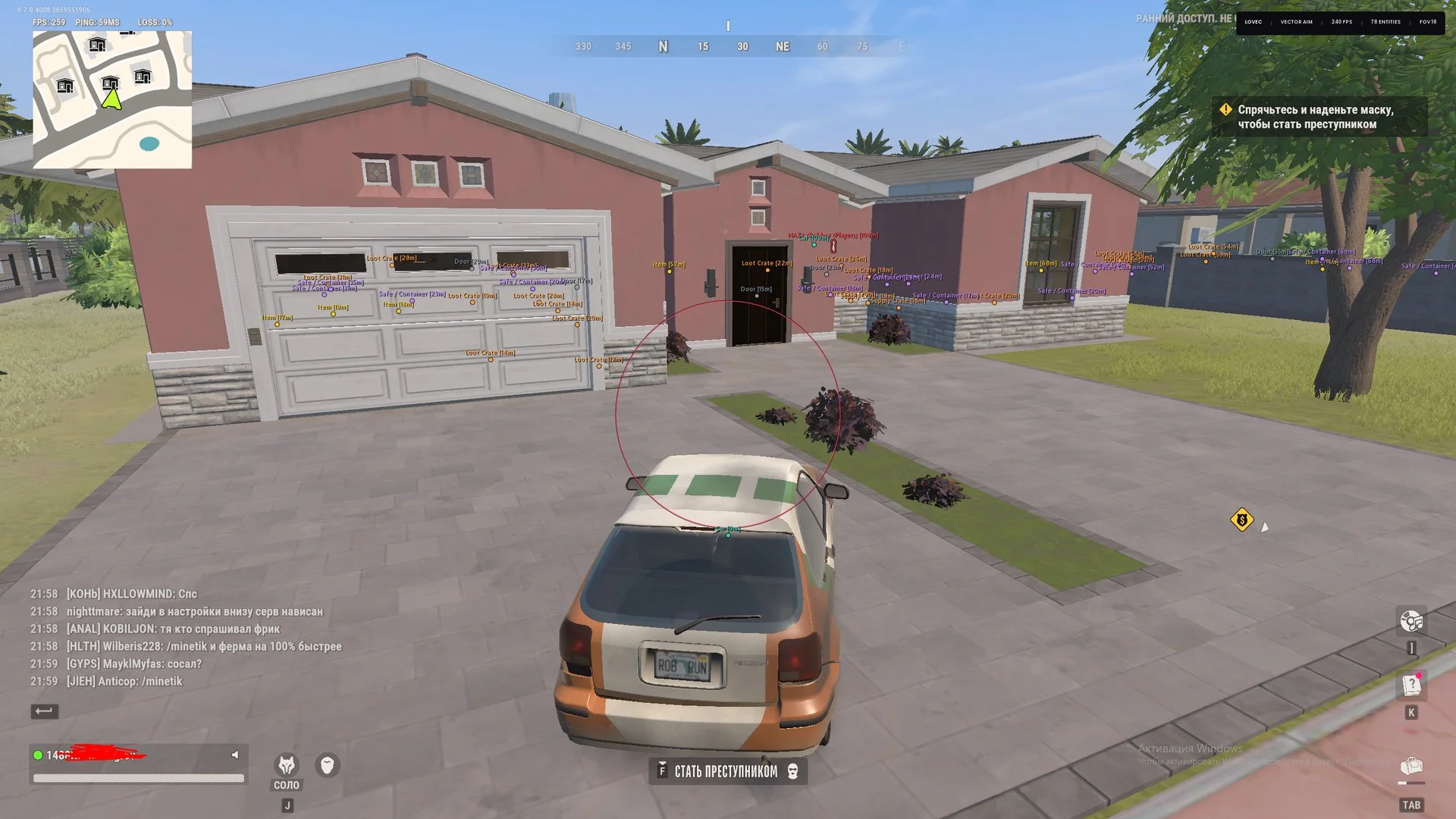
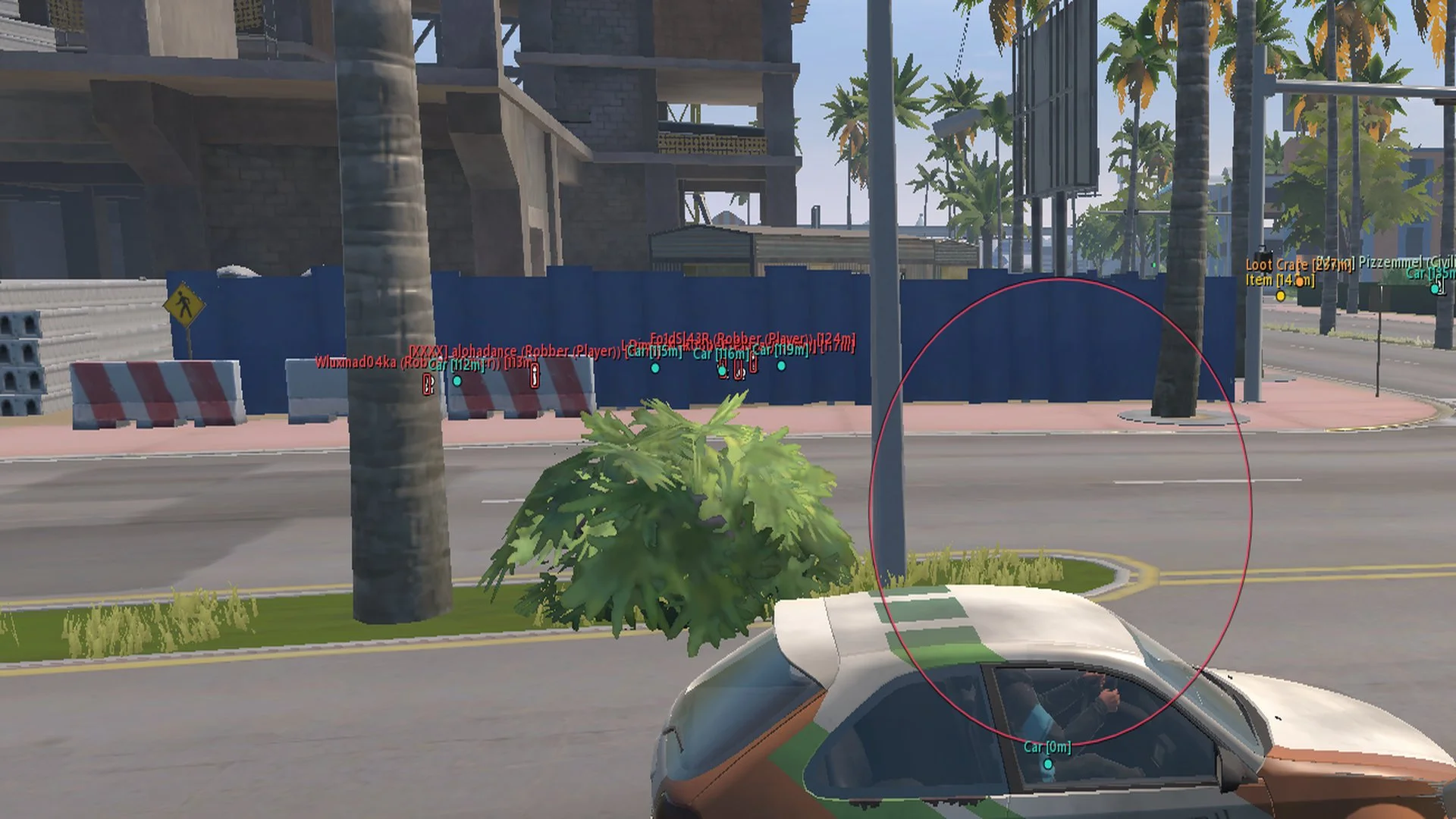
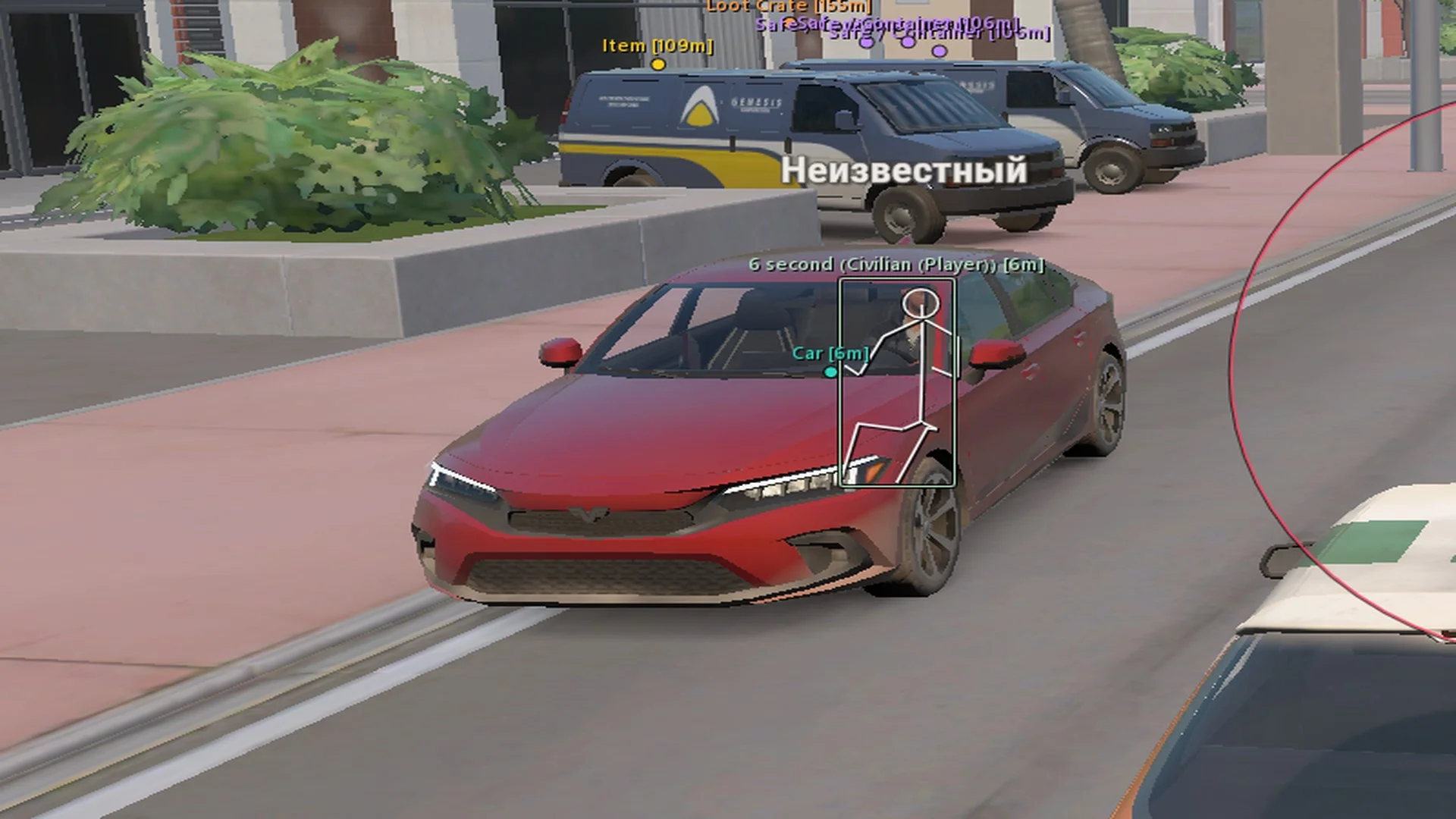
LOVEC is a cheat for Rob Run that combines vector and silent aiming with visual information about characters and objects in the game world. Its aiming settings let users select target types and acquisition parameters, while ESP displays information about players, NPCs, and items. Dedicated hotkeys and saved profiles provide control over the available features.
Cheat status: Updated
AIMBOT
Enable aimbot
Aimbot activation key
Aimbot type: vector aim or silent aim
Activation modes: always active, left-click firing, right-click aiming, or either mouse button
Aiming smoothness adjustment
Hit chance adjustment
Target movement prediction with adjustable lead strength
Aim FOV size adjustment
Maximum aiming distance adjustment
Target bone selection: head, neck, chest, pelvis, or closest bone
Target priority: proximity to crosshair or distance
Target selection: bandits, police officers, civilians, and NPCs
Ignore friends and party members
Friend list: add players, remove entries, and clear the list
Draw FOV border with color selection
Draw FOV background with color selection
Highlight the selected target bone with adjustable color
Line to the locked target with adjustable color
Static crosshair with adjustable color
PLAYER AND NPC ESP
Enable player and NPC ESP
Category selection: players, bandits, police officers, civilians, and NPCs
Maximum ESP distance adjustment
Full and corner boxes
Box fill by faction: bandits, police officers, and civilians
Skeleton display with color adjustment and head circle
Snapline origin: bottom of screen, crosshair, or top of screen
Nickname, clan tag, and role display
Target distance display
WORLD AND ITEM ESP
Ground loot and bags highlighting with color adjustment
Cash bundles display with color adjustment
Cargo packages display with color adjustment
Crates and weapon cases highlighting with color adjustment
Safes and containers display with color adjustment and an option to show locked safes
Vehicle display with color adjustment
Doors and buyers display with separate colors
HOTKEYS
Toggle aimbot with a hotkey
Toggle all ESP with a hotkey
Toggle ESP boxes with a hotkey
Toggle skeleton display with a hotkey
Toggle snaplines with a hotkey
Open and close the menu with a hotkey
INTERFACE SETTINGS
FPS limit: automatic display-based setting, 60, 100, 144, 180, 240, 360, or unlimited
Watermark display
Interface scaling from 75% to 175%
CONFIGURATIONS
Create a new configuration profile
Load a saved configuration profile
Save configuration settings
Delete a configuration profile
Reset settings to defaults
Cheat Update history
The update has been loaded, and the issue where ESP might not appear after an injection has been fixed. Please restart your PC.
2026-11-11 17:56:04
Improved prediction
Added a separate tab for NPC settings
Improved item ESP
Added display of item prices in $
Added loot filtering by category
Added ESP for surveillance cameras
Added Battle Mode
Added off-screen indicators (arrows)
Added target filters
Added a humanization system
2026-11-09 20:57:38


